Laptops
 After-dinner conversations
 All-in-one computers
 Monitors
 Mobiles
 Tablets
 Apple Zone
 Peripherals and Accessories
 Networks and cables






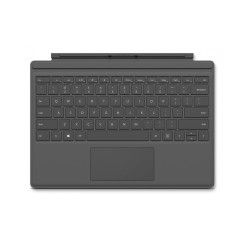
€39.95
€129.00
-69%
Discover our selection of keyboards for working, studying, or gaming in maximum comfort. Choose from mechanical, membrane, or wireless keyboards with Spanish layouts and ergonomic designs. All our models offer excellent value and are guaranteed and tested for reliable daily use.
Mostrando 32 productos
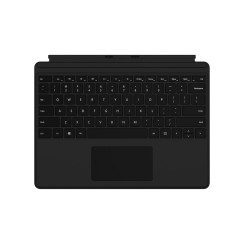
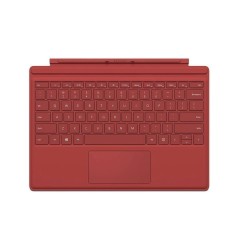
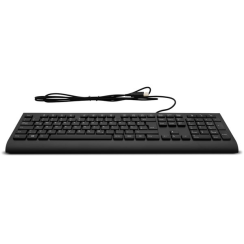
Microsoft Teclado Surface Pro X, Pro 8, Pro 9, Negro, Uk con Adaptación Español, A+
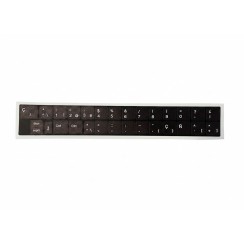
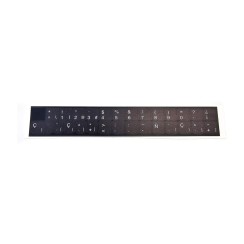
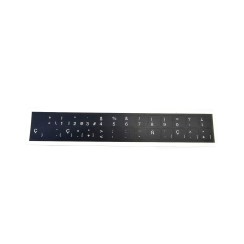
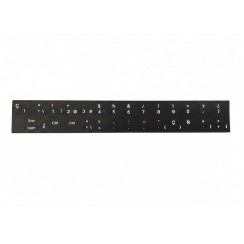
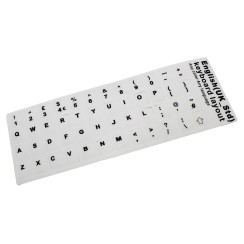
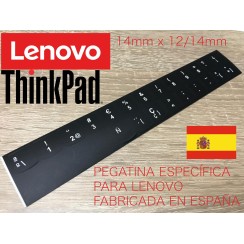
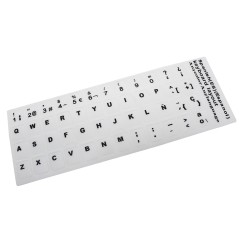
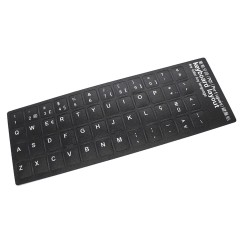
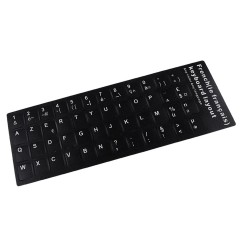
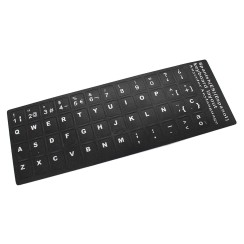
Kit Pegatinas Adaptación Teclado Español HP | Fondo UV Reimpreso Alta Durabilidad
Dudas frecuentes
The difference is enormous and lies in the technology hidden under each key, which completely defines the typing feel, durability, and sound .
In summary, a membrane keyboard is functional and quiet, while a mechanical keyboard is an investment in durability, precision, and a superior typing experience.
Although the 'Ñ' is the most iconic symbol, the true importance of having a native Spanish QWERTY keyboard lies in the logical and accessible layout of a large number of punctuation marks and symbols that are crucial for fluent writing. Trying to use a foreign layout (such as the EE.UU. or UK) to write in Spanish is a constant source of frustration and errors. The most important differences are:
Therefore, when buying a keyboard , making sure it is Spanish is not just a matter of one letter, but of ensuring total efficiency in the workflow.
You should seriously consider an ergonomic keyboard if you spend many hours a day in front of a computer and are starting to feel discomfort , or if you want to prevent it in the long run. It's not just an aesthetic whim; it's a health tool designed to reduce strain on your hands, wrists, forearms, and shoulders. A traditional straight keyboard forces you into unnatural postures.
An ergonomic keyboard combats these problems. Models with a split and curved design allow your hands and wrists to be positioned at a much more natural angle, aligned with your forearms. Some even have a negative tilt or a padded wrist rest to keep your wrists in a neutral position. If at the end of your workday you notice pain, stiffness, tingling, or numbness in your hands or wrists (symptoms that can be associated with carpal tunnel syndrome), it's a clear sign that your body is asking for an ergonomic solution. It's a direct investment in your well-being and your ability to work comfortably and pain-free for years to come.
The main and most obvious advantage of a wireless keyboard is the freedom from cables and the creation of a clean, minimalist workspace . It eliminates visual clutter and gives you complete flexibility to place the keyboard wherever is most comfortable, without the constraints of a cable. It's the ideal option for:
However, a wired keyboard remains superior in certain scenarios. A wired connection offers zero latency and zero interference , which is crucial for competitive gaming . Plus, you'll never have to worry about recharging or changing batteries . So, the choice depends on your priorities. For most office tasks and general use, the convenience and aesthetics of a wireless keyboard far outweigh the minor inconvenience of having to charge it occasionally. If you're an esports gamer, the reliability of a wired connection remains the gold standard.
Relacionados con Keyboards
Opiniones de nuestros usuarios
Top ventas Keyboards
Kit Pegatinas Adaptación Teclado Español HP | Fondo UV Reimpreso Alta Durabilidad
Microsoft Teclado Surface Pro X, Pro 8, Pro 9, Negro, Uk con Adaptación Español, A+