Laptops
 After-dinner conversations
 All-in-one computers
 Monitors
 Mobiles
 Tablets
 Apple Zone
 Peripherals and Accessories
 Networks and cables






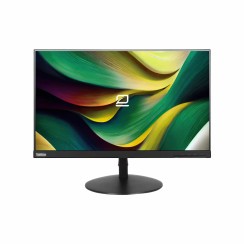
€99.95
€171.00
-42%
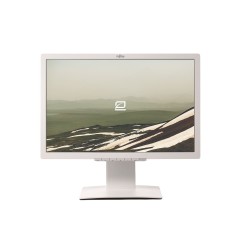
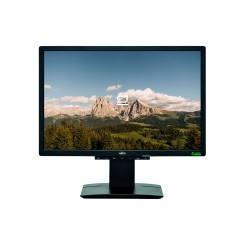
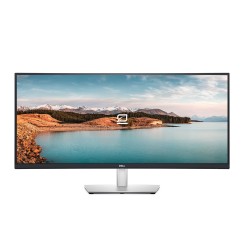
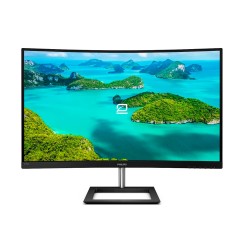
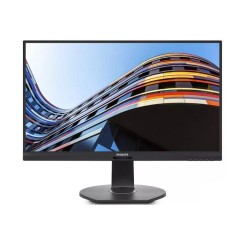
Explore our selection of refurbished PC monitors . Find affordable monitors and quality computer screens , perfect for work, study, or entertainment. At Eco Portátil, we offer pre-owned monitors with a warranty and expert inspection. Save money and invest in sustainable technology. Buy your affordable PC monitor today!
Upgrade your setup without breaking the bank. Refurbished monitors with high resolution and modern connectivity… while supplies last!
Mostrando 31 productos

Dudas frecuentes
A refurbished monitor lets you get quality and performance at a much lower price than a new one. All our monitors undergo rigorous quality control to ensure a crisp, flawless image and come with a warranty . Save money without sacrificing the best viewing experience!
If you're looking for comfort and productivity, a 22" or larger Full HD monitor is an excellent choice. For editing or design, we recommend an IPS monitor with high resolution and good color accuracy . Find the perfect monitor for your needs in our store.
Of course! We have refurbished gaming monitors with high refresh rates (120Hz or higher) and low response times. Enjoy a smooth and immersive experience without paying the price of a new monitor.
Understanding panel technology is key to choosing the right monitor , as each type is optimized for a different use. There isn't one that's 'better' than another, but rather one that's more suitable for you. Here's a simple explanation:
To sum it up: IPS for creators and overall quality, VA for cinephiles and contrast, and TN for competitive gamers.
These two parameters are at the heart of a good gaming monitor , and although they are often confused, they measure different but complementary things that directly affect how you perceive the game. The refresh rate, measured in Hertz (Hz) , indicates how many times per second the monitor is able to update the image it displays. A standard office monitor has 60Hz. A good gaming monitor starts at 120Hz or 144Hz. This means it can display 144 images per second (if your graphics card can generate them). The result is dramatically smoother motion . In fast-paced games, everything looks less blurry, movements are smoother, and it's easier to track enemies. It's the difference between watching a movie and seeing real life. Response time, measured in milliseconds (ms) , indicates how quickly a pixel can change from one color to another (usually from gray to gray). A low response time (ideally 5ms or less) is crucial for sharpness in fast-paced scenes . If the response time is high, the pixels don't change color quickly enough to keep up with movement, leaving a trail or 'ghosting' effect behind objects. This results in a blurrier and less sharp image in the heat of battle. In short: Hertz (Hz) gives you smoothness, and milliseconds (ms) gives you sharpness. A good budget gaming monitor will aim for a balance, offering at least 120Hz and 5ms or less for an immersive and competitive gaming experience.
Relacionados con Monitors
Opiniones de nuestros usuarios
Top ventas Monitors