
 Back-to-School Offers
 Laptops
 Desktop computers
 Computer bundles
 Ordenadores All-in-One
 Monitors
 Refurbished mobile phones
 Tablets
 Zone Apple
 Peripherals and Accessories
 Networks and Cables











Sell your used iPhone
Give your iPhone a second life. Select its model and storage and tell us about its condition for a valuation tailored to your device.
Get my free iPhone valuationSell your iPhone to Ecoportatil
Give your iPhone a second life. Select its model and storage and tell us about its condition for a valuation tailored to your device.
In the iPhone valuation tool, choose the model first and then the storage. You can also use the general search with a query such as ‘iPhone 15 256 GB’.
Check availability in the valuation tool. If you cannot find your configuration, use the contact link to ask us.
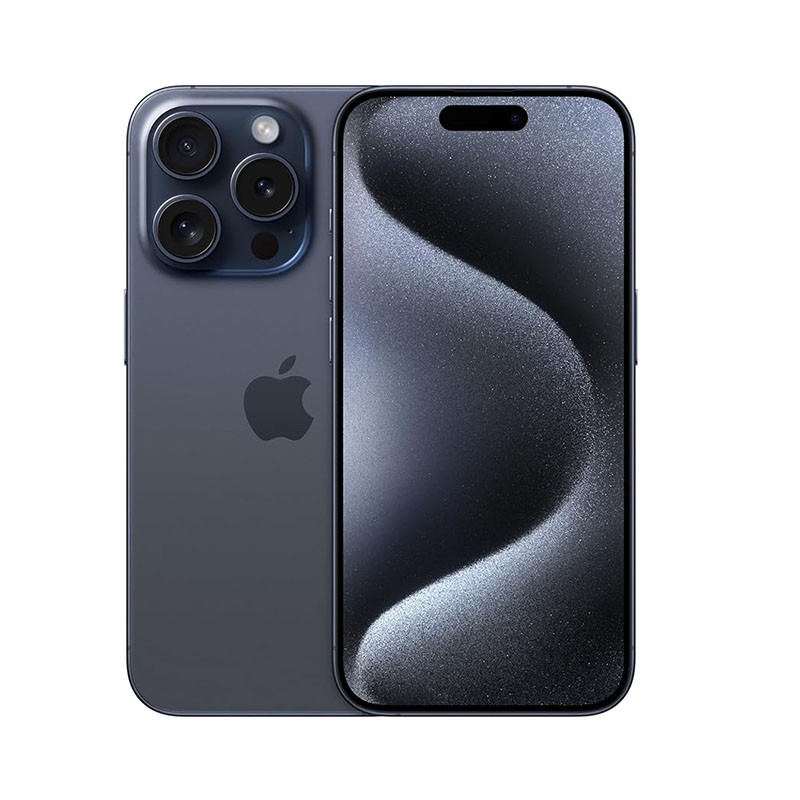
How much is my used iPhone worth?
The valuation depends on the configuration and your answers about its condition. Use the valuation tool to see the amount for your device. Different storage, functionality or condition can change the offer.
| What to check | Why it matters |
|---|---|
| Model and generation | Identify whether it is the standard, Plus, Pro or Pro Max version. Models in the same generation are separate references and may have different valuations. |
| Storage capacity | Select the iPhone’s original capacity in GB or TB. Total capacity is different from the free space remaining after installing apps and saving photos. |
| Screen and functionality | Describe the screen, cameras and other components as requested in the questionnaire. A fault or damage can change the available offer. |
Valuation based on the model and condition. Subject to inspection of the device.
How to sell your iPhone, step by step
Identify your device
Exact iPhone model. Storage capacity in GB or TB.
Tell us about its condition
Answer the questions about functionality, appearance and accessories for your model.
Check your valuation
Review the result and complete the request if you would like to continue. We will explain the next steps.
Prepare for handover
Follow the instructions we provide. We will check that the device matches your description.
Prepare your iPhone for buyback
Check the model before starting
Open the iPhone’s information in Settings and check its model name and capacity. If it will not turn on, the box or invoice may help you identify it. Ask us before selecting a different variant.
Save your photos and unlink your account
Back up the data you want to keep. Before shipping, follow Apple’s instructions to sign out and remove Activation Lock. Erasing the content does not always replace unlinking the account.
Prepare your iPhone for shipping
After saving your data, erase the content and remove the SIM card if fitted. Check the delivery instructions and protect the screen and casing. Include only the accessories listed in your request.
Your questions answered
Do I need to remove my Apple Account?
Before shipping, unlink the iPhone from your Apple Account and turn off Find My. Resetting the device alone does not necessarily remove Activation Lock.
What if my model is not listed?
The valuation tool shows the available models and variants. You can ask us using the contact link in the process. Do not select a different model to get a valuation.
Is the online valuation final?
It is based on the information you provide. The device is inspected to check that its model, configuration and condition match your description.
Can I check the valuation without selling?
Yes. You can check the valuation and decide later whether to complete a buyback request.
Sell your iPhone to Ecoportatil
Start with your model and answer the valuation questions.
Get my free iPhone valuation