
 Back-to-School Offers
 Laptops
 Desktop computers
 Computer bundles
 Ordenadores All-in-One
 Monitors
 Refurbished mobile phones
 Tablets
 Zone Apple
 Peripherals and Accessories
 Networks and Cables











Apple iMac
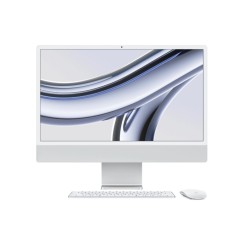
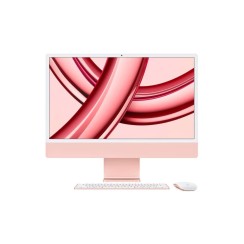
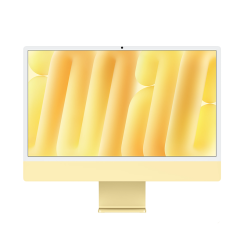
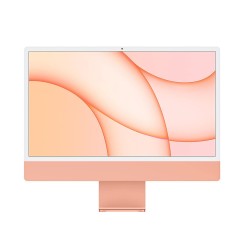
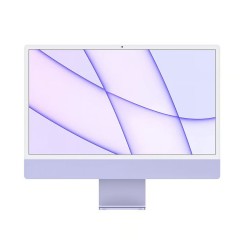
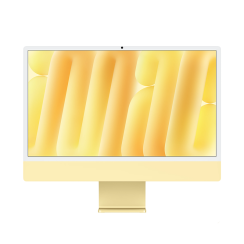
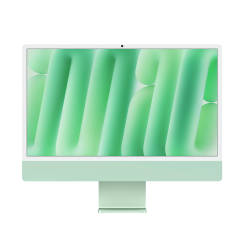
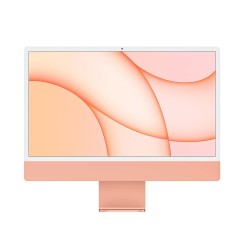
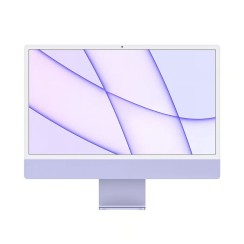
Discover the power and elegance of the Apple iMac , the perfect computer for any tech enthusiast. With its sleek design and exceptional performance, it offers everything you need for work and play. In our refurbished tech store, you'll find the perfect iMac at an unbeatable price. Don't miss out!

- New



- New
- New

- New

- New
- New
- New
- New
- New
- New
Frequently asked questions
iMacs with Intel processors are incredibly powerful machines, especially the 27-inch models with Core i7 or i9 processors, and they remain a fantastic and very valid option. Their main advantage today is maximum compatibility with older software and the ability to install Windows natively via Boot Camp , something that is impossible on newer models. However, iMacs with Apple 's own chips (like the iMac M1 ) represent a revolutionary leap in efficiency and performance. The key is that Apple has designed the entire system (CPU, GPU, RAM) to work in perfect harmony. This translates to:
- Unbeatable performance per watt: They deliver amazing power with significantly lower energy consumption. The result is incredibly fast and, above all, virtually silent operation, as the cooling system barely needs to activate for most tasks.
- Full ecosystem integration: The performance of apps optimized for Apple Silicon is spectacular, and they can also run iPhone and iPad apps natively.
- Instant On: They wake up from sleep instantly, just like an iPhone.
If you need to run Windows natively or rely on very old software, a used iMac with an Intel processor is still a great option. For everything else, an iMac with an Apple chip will offer a more modern, faster, and quieter user experience.
A refurbished 27-inch iMac remains a superior option. While a new 24-inch iMac with an M1 chip is a fantastic machine, the 27-inch model with an Intel processor offers advantages that the new one simply can't match:
- The size and quality of the screen: The extra 3 inches of diagonal make a huge difference in productivity and immersion . Furthermore, the 27-inch iMac 's 5K Retina display is legendary for its quality, brightness, and color accuracy, making it an exceptional canvas for photographers, designers, and video editors.
- Graphics power (in high-end models): High-end 27-inch models with Core i7 or i9 processors often came equipped with dedicated AMD Radeon graphics cards , which in certain 3D rendering or intensive video editing tasks, can still offer very competitive performance.
- RAM upgrade capability: Unlike newer iMacs with soldered, unified memory, many 27-inch Intel iMac models have a small rear hatch that allows the user to easily and inexpensively upgrade the RAM in the future.
If your priority is having the latest processors and a colorful design, the new 24-inch model is for you. But if you're looking for maximum workspace, a professional display, and upgrade options , a refurbished 27-inch iMac is an unbeatable iMac bargain .
Buying a used iMac from a private seller can be a way to find a cheap iMac , but it carries significant risks that a refurbished iMac from a professional shop completely eliminates. If you decide to go that route, there are several critical points you should carefully review:
- The screen: This is the most expensive and crucial component. Thoroughly check for any signs of 'burn-in' (ghosting or permanent shadows), dead pixels, internal dust spots (very common in older models), or light leakage at the edges.
- Hard drive health: Older iMacs came with mechanical hard drives or Fusion Drives. These drives are prone to failure over time. It's vital to run a disk diagnostic to check its health. An iMac with an SSD (even a refurbished one) will always be a much faster and more reliable option.
- Apple Hardware Diagnostics: Restart your Mac while holding down the 'D' key to launch Apple Diagnostics. This built-in tool will check the internal components for hardware failures.
- Activation Lock: Make sure the seller has signed out of their iCloud account and turned off 'Find My Mac'. If they haven't, the computer could be locked and unusable for you.
The great advantage of choosing a refurbished item is that all these points, and many more, have already been professionally verified , and your purchase is protected by a warranty, eliminating all risk and uncertainty.
This is another question we frequently receive at Ecoportatil support, and the answer is a very specific 'it depends' on the iMac model. The feature, called 'Target Display Mode,' was only available on certain iMac models and under very specific conditions.
- Compatible models as a display: Primarily, 27-inch iMacs manufactured between late 2009 and mid-2014 , and 21.5-inch iMacs from mid-2011 to late 2013. Newer iMacs, especially Retina 5K models and all models with Apple Silicon chips, do NOT support this feature .
- Connection requirements: For this to work, the computer emitting the signal (your laptop) must also be from the same era. 2009 and 2010 iMacs require a Mini DisplayPort output, while 2011 to 2014 models require a Thunderbolt output. Connecting a modern laptop with USB-C to one of these older iMacs is very difficult and often doesn't work.
- Operating system: The iMac acting as a monitor must have macOS High Sierra or an earlier version installed.
Due to all these restrictions, in practice, the vast majority of modern iMacs cannot be used as a simple external monitor . They are designed as integrated all-in-one systems. If you're looking for a desktop iMac , you should think of it as a complete computer, not as a display for another device.
Related
Reviews from our users
Top sellers Apple iMac
- New
- New
- New
- New
- New
Top Rated Products
- New
- New
- New
- New
- New
- New
- New
- New
- New