 Laptops
 Desktop computers
 Ordenadores All-in-One
 Computer bundles
 Monitors
 Refurbished mobile phones
 Tablets
 Zone Apple
 Peripherals and Accessories
 Networks and Cables












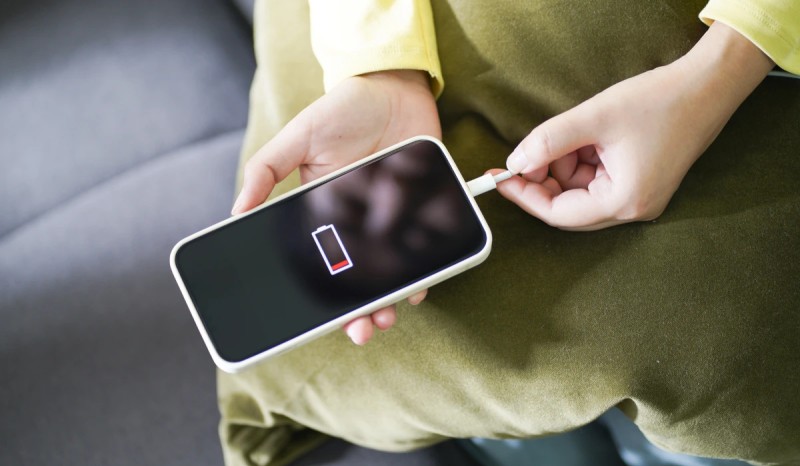
One of the aspects we pay most attention to when buying a new mobile phone is, without a doubt, its battery life. Having a smartphone with good battery life saves us the anxiety of constantly searching for a power outlet or relying on power banks for our laptop and phone to keep our device running all day.
But how long does a mobile phone battery really last? And what can we do to extend its lifespan? In this article, we'll answer all your questions.
How long does a mobile phone battery last in hours?
Knowing exactly how long your mobile phone's battery will last in hours is complicated, as it depends on two main factors: the battery capacity (measured in milliampere-hours, mAh) and, above all, how you use your device.
Modern mobile phone batteries have an average capacity of between 4000mAh and 5000mAh and are designed to last a full day of moderate use. But what does "moderate use" mean?
- Heavy usage (4-6 hours of screen time): If you spend hours watching YouTube videos, Netflix series, endlessly scrolling on TikTok, or playing games, a 4000mAh battery will likely run out in about 4 or 5 hours of continuous screen time. In this case, the battery will hardly last until the end of the day.
- Moderate use (6-8 hours of screen time): If you use your mobile phone for mixed tasks such as answering emails, browsing the internet, chatting on WhatsApp and watching the occasional video, a 4000mAh or 5000mAh battery should be enough to last you all day without problems.
If you're someone who consumes a lot of audiovisual content, the best option for you might be a model with a 6000mAh battery or larger. These devices will be able to keep up with your pace, even lasting up to two days on a single charge if you moderate your usage.
Battery lifespan: why it keeps getting shorter
You've probably noticed: your new phone's battery used to last ages, but after a year or two, it barely lasts until the end of the day. This is completely normal and is due to the chemical degradation of lithium-ion batteries.
A mobile phone battery has an approximate lifespan of between 300 and 500 full charge cycles. A charge cycle is completed each time you use 100% of the battery's capacity (not necessarily all at once). Generally, after a year or a year and a half of daily use, the battery's actual maximum capacity will have already been significantly reduced.
Therefore, if your phone is approximately two years old, you've probably already noticed that the battery doesn't last as long as it used to, even with the same usage. After three or four years, the degradation is usually so significant that you may need to replace the battery or consider buying a new device. At this point, opting for affordable refurbished phones is an excellent alternative.
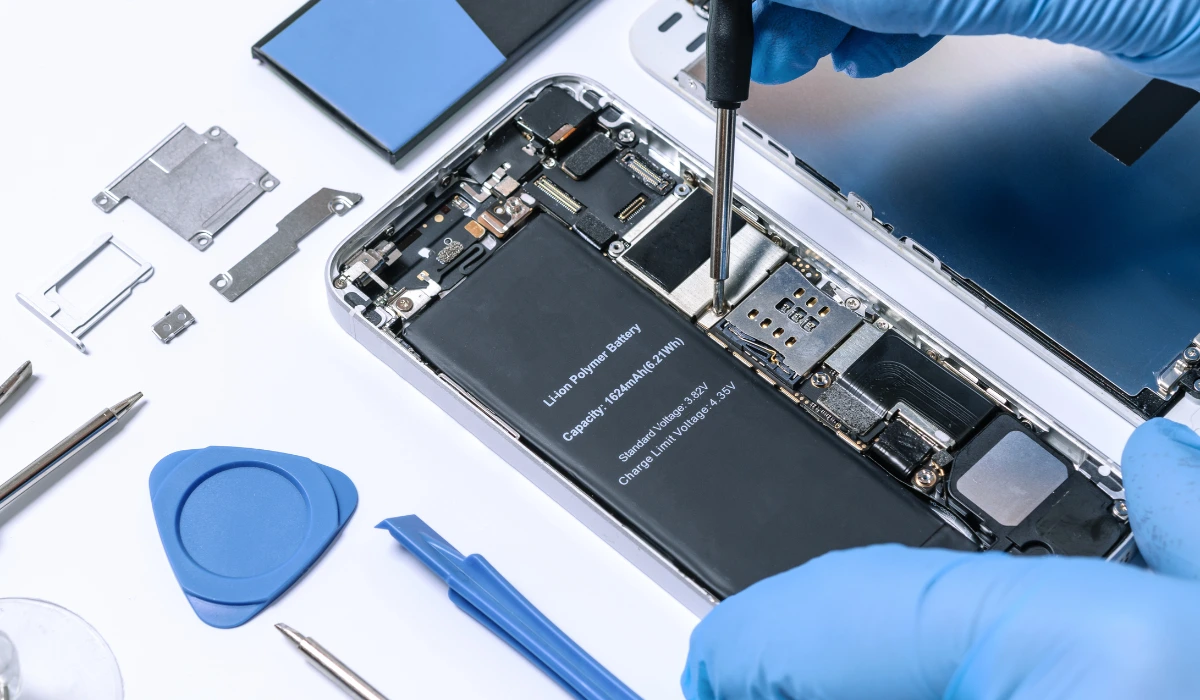
You might be interested in: Tips for caring for lithium batteries!
How to make your mobile phone battery last longer: tips and tricks
Although degradation is inevitable, we can adopt a series of good habits to slow down this process and extend the lifespan of our mobile phone's battery. Here are the most effective tips:
1. Keep the charge between 20% and 80%
This is the most important advice. Lithium batteries experience stress when fully charged or completely discharged. Several studies indicate that maintaining the charge level within an intermediate range reduces wear on the ion cells.
- Don't leave it charging all night: Although modern phones have systems to cut off charging, keeping it at 100% for hours generates a small amount of thermal and chemical stress.
- Avoid letting it drop below 20%: Completely draining the battery is one of the most damaging habits.
2. Avoid overheating the battery
Heat is the number one enemy of batteries. When a mobile phone overheats, not only does it perform worse, but its battery lifespan is drastically shortened.
- Do not leave your mobile phone exposed to direct sunlight (in the car, on the beach, etc.).
- Do not use it for very intensive tasks (like gaming) while it is charging.
- Remove the case if you notice it gets very hot during charging.
3. Use the original (or high-quality) charger and cable
Cheap or low-quality chargers may not supply a stable voltage, which can damage the battery in the long run. Always use the original charger or one from a certified and trusted brand.
4. Optimize your phone's settings
Small software tweaks can make a big difference to daily battery life:
- Reduce screen brightness: The screen is the component that consumes the most energy. Lowering the brightness or using automatic brightness helps a lot.
- Use dark mode: If your phone has an OLED screen, dark mode can save a significant amount of battery, as the black pixels are simply turned off.
- Turn off connections you're not using: Turn off Wi-Fi, Bluetooth, and GPS if you're not using them.
- Manage notifications and background activity: Limit notifications from unimportant apps and restrict their background activity from system settings.
5. Calibrate the battery from time to time
Over time, the operating system may display a battery percentage that doesn't reflect the actual battery level. To fix this, it's recommended to calibrate the battery every two to three months. The process is simple: charge your phone to 100%, use it until it completely shuts down, and then charge it again to 100% without interruption.
We hope this article has been helpful in learning more about how long a mobile phone battery lasts and, above all, how to take care of it and extend its lifespan.