
 Back-to-School Offers
 Laptops
 Desktop computers
 Computer bundles
 Ordenadores All-in-One
 Monitors
 Refurbished mobile phones
 Tablets
 Zone Apple
 Peripherals and Accessories
 Networks and Cables











Sell your MacBook Air or MacBook Pro
Find your MacBook Air or Pro configuration and check its valuation. The year, screen and storage help identify the right device.
Get my free MacBook valuationSell your MacBook Air or Pro to Ecoportatil
Find your MacBook Air or Pro configuration and check its valuation. The year, screen and storage help identify the right device.
The valuation tool takes you through the family, year, screen, storage and configuration. The general search also finds variants by name. Check all the details before continuing.
Check availability in the valuation tool. If you cannot find your configuration, use the contact link to ask us.
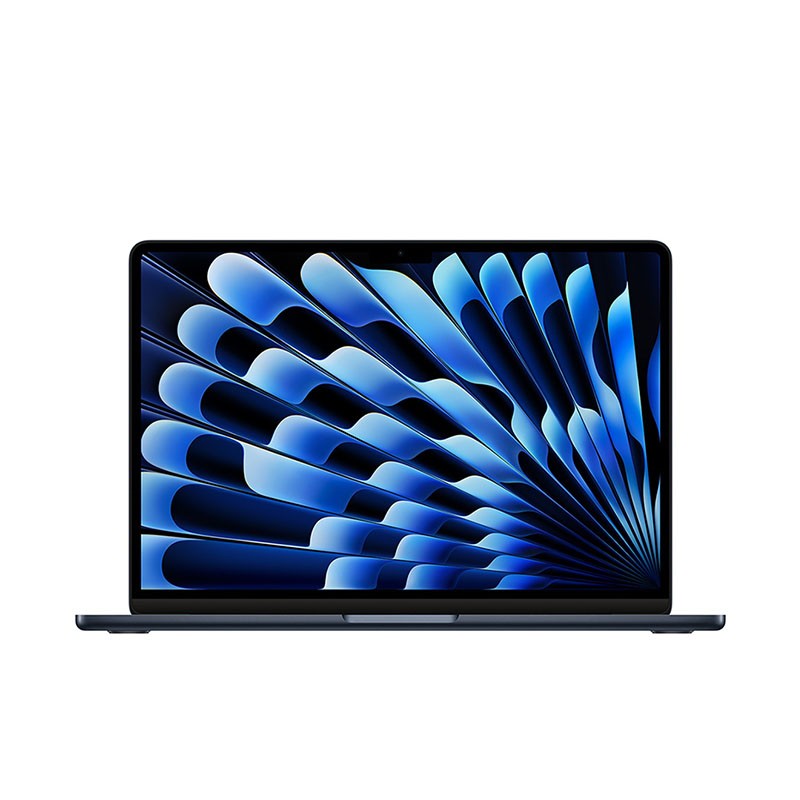
How much is my used MacBook worth?
The valuation depends on the configuration and your answers about its condition. Use the valuation tool to see the amount for your device. Different storage, functionality or condition can change the offer.
| What to check | Why it matters |
|---|---|
| Family, year and display | MacBook Air and MacBook Pro have different configurations. Check the generation and screen size; the purchase year may differ from the model year. |
| Chip, memory and storage | Select the full configuration in the valuation tool, including chip, memory and storage where requested. SSD capacity is not RAM. |
| Condition and charger | Describe functionality, appearance and charger using the questionnaire options. Check the screen, keyboard and ports before answering. |
Valuation based on the model and condition. Subject to inspection of the device.
How to sell your MacBook, step by step
Identify your device
MacBook family and generation. Screen size and storage capacity.
Tell us about its condition
Answer the questions about functionality, appearance and accessories for your model.
Check your valuation
Review the result and complete the request if you would like to continue. We will explain the next steps.
Prepare for handover
Follow the instructions we provide. We will check that the device matches your description.
Before selling your MacBook Air or Pro
Identify the configuration in macOS
Open About This Mac to check the model and specifications. Check storage capacity too. Do not choose a different generation just because the screen size matches: the valuation must correspond to your MacBook.
Save your data and sign out
Back up the files you want to keep. Before shipping, follow Apple’s process for preparing a Mac for sale, signing out and removing applicable activation locks. Then erase your personal data.
Check the charger and packaging
Check which charger and accessories you listed in your request. Protect the display, corners and computer during transport. If a specification does not match the available options, use the contact link in the valuation tool.
Your questions answered
Where can I find my MacBook model?
Check ‘About This Mac’ to identify the model and specifications. Check the storage too. Before shipping, unlink your Apple Account and remove any relevant activation locks.
What if my model is not listed?
The valuation tool shows the available models and variants. You can ask us using the contact link in the process. Do not select a different model to get a valuation.
Is the online valuation final?
It is based on the information you provide. The device is inspected to check that its model, configuration and condition match your description.
Can I check the valuation without selling?
Yes. You can check the valuation and decide later whether to complete a buyback request.
Sell your MacBook Air or Pro to Ecoportatil
Start with your model and answer the valuation questions.
Get my free MacBook valuation