
Cart 0
 Laptops
 Desktop computers
 Ordenadores All-in-One
 Computer bundles
 Monitors
 Refurbished mobile phones
 Tablets
 Zone Apple
 Peripherals and Accessories
 Networks and Cables











Megabyte, Gigabyte and Terabyte: we answer your questions
We clearly explain the differences between megabyte, gigabyte, and terabyte and what each one means for storage capacity.

Updated: 17/10/2025
37638
Share:
When you're looking for a new computer, a smartphone, or simply want to expand your device's storage, one of the most important features is hard drive capacity. We see figures like 512 GB or 1 TB, but do we really know what they mean? A 100 GB hard drive is not the same as a 1 TB one, and to avoid making mistakes when choosing, it's important to understand these units of measurement.
In this article we will break down these units, starting with the foundation of all digital computing.
Is a bit the same as a byte?
Before discussing megabytes, gigabytes, or terabytes, we must understand the two smallest and most fundamental units in computing: the bit and the byte. Although often confused, they are two distinct measurements:
- A bit (b) is the smallest unit of information. It can only have two values: 0 or 1 (off or on, false or true). It's like the switch on a light bulb.
- A byte (B) is a set of 8 bits. By combining these 8 bits, a byte can represent 256 different values (2^8). This is sufficient to represent a character, such as a letter (for example, 'A'), a number, or a symbol.
The difference is crucial: a lowercase "b" refers to bits (often used to measure internet speeds), and an uppercase "B" refers to bytes (used to measure file size and storage capacity). With this understanding, we can begin to discuss larger capacities.
The kilobyte (kb): the first steps in storage
The Kilobyte (KB) is the first major leap. Although the prefix "kilo" in the decimal system means one thousand, in the binary system of computing, one kilobyte is equal to 1,024 bytes. During the early days of computing, text documents were measured in KB.
The megabyte (mb): what is it equivalent to?
This is where things get interesting. A Megabyte (MB) is the unit that follows the Kilobyte. Following the same binary logic, one megabyte is equal to 1,024 Kilobytes. If we want to know how many bytes are in a megabyte, the operation would be 1,024 x 1,024, which gives us a total of 1,048,576 bytes.
To put it in perspective:
- A song in MP3 format of medium quality usually takes up between 3 and 5 MB.
- A high-resolution photograph from a modern smartphone can be between 4 and 10 MB.
Although nowadays the MB has become too small for main storage, it is still a very common unit for measuring the size of individual files.
Gigabyte (gb): the "gigabytes" everyone talks about
The unit we consider the standard for many things today is the Gigabyte (GB), popularly known as "giga." It's the measurement we use for the capacity of our mobile phones, data plans, the RAM in our computers, and the capacity of many hard drives.
Continuing with the scale, one gigabyte is equivalent to 1,024 MB. As you can see, a single letter (from MB to GB) drastically changes storage capacity. When someone says that an HD movie takes up 4 GB, they mean 4,096 MB.
You might be interested in: Types of hard drives and storage!
The terabyte (tb): the era of mass storage
The next big leap on the scale is the Terabyte (TB), colloquially known as "tera." With the increasing size of files, such as 4K movies or modern video games, the terabyte has become increasingly common, especially in 1TB and 2TB hard drives.
One terabyte is equivalent to 1,024 GB. To give you an idea of its immense capacity:
- In 1 TB you could store approximately 250,000 MP3 songs.
- Or about 500 hours of high definition (Full HD) video.
- Or hundreds of thousands of high-resolution photographs.
If you're curious to know how many bits are in 1 TB, the calculation is astronomical:
- 1 Byte = 8 bits
- 1 Kilobyte = 1,024 Bytes
- 1 Megabyte = 1,024 Kilobytes
- 1 Gigabyte = 1,024 Megabytes
- 1 Terabyte = 1,024 Gigabytes
Performing all the calculations, 1 TB is equivalent to almost 9 trillion bits (8,796,093,022,208 bits). A capacity that completely defies our imagination.
What storage capacity do I need for my computer?
Now that you understand the difference between MB, GB, and TB, you might be wondering what hard drive capacity to look for in your new computer, whether it's new or refurbished. The answer depends entirely on how you plan to use it:
- Light use (up to 256 GB): If you only use your computer for internet browsing, email, office applications, and cloud storage, 256 GB may be sufficient, especially if it is a fast SSD drive.
- Standard usage (512 GB): This is the ideal balance for most users. It allows you to install the operating system, numerous programs, and store a good amount of documents, photos, and some games or movies.
- Advanced or professional use (1 TB or more): If you are a gamer, edit video or photos, work with very large files, or simply want to store your entire collection of movies and music, a 1 TB or larger hard drive is essential.
Remember that these capacities also apply to RAM. A computer for basic tasks works well with 8 GB, but for more intensive use, it's recommended to look for laptops with 32GB of RAM for maximum performance. If you have any questions about which capacity to choose, don't hesitate to contact us so we can advise you.
-

-
-
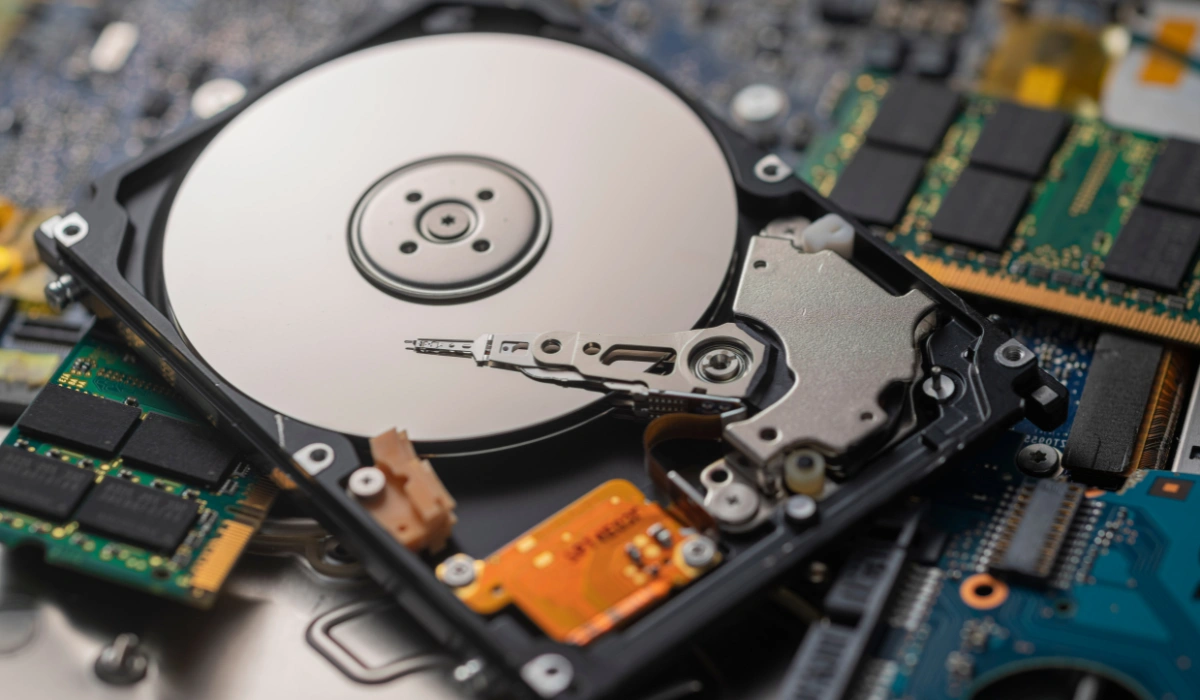 General Types of hard drives
 -
 General What does refurbished mean?
Write a comment